Example of a complete analysis
Static analysis
Loading the file into PEID
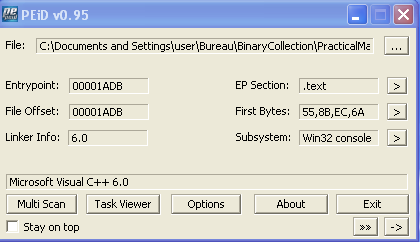
List of sections
Here we can see that there are resources inside the binary.

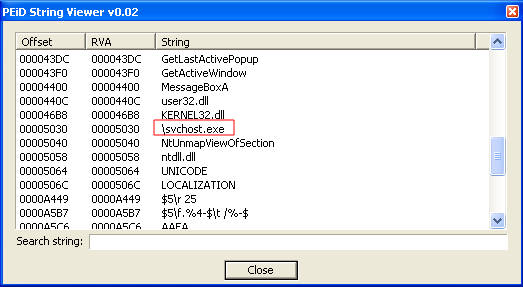
Strings in the binary
The svchost.exe string in a binary is not usual.
Extracting resources
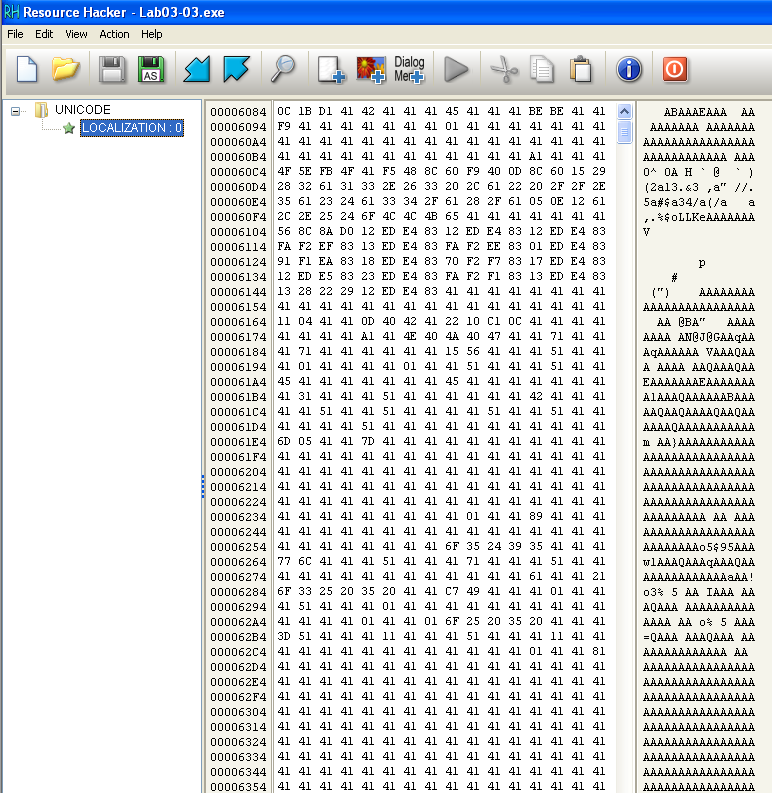
Note that the extracted resource contains a lot of 0x41. Perhaps a xor is performed to hide the resources.
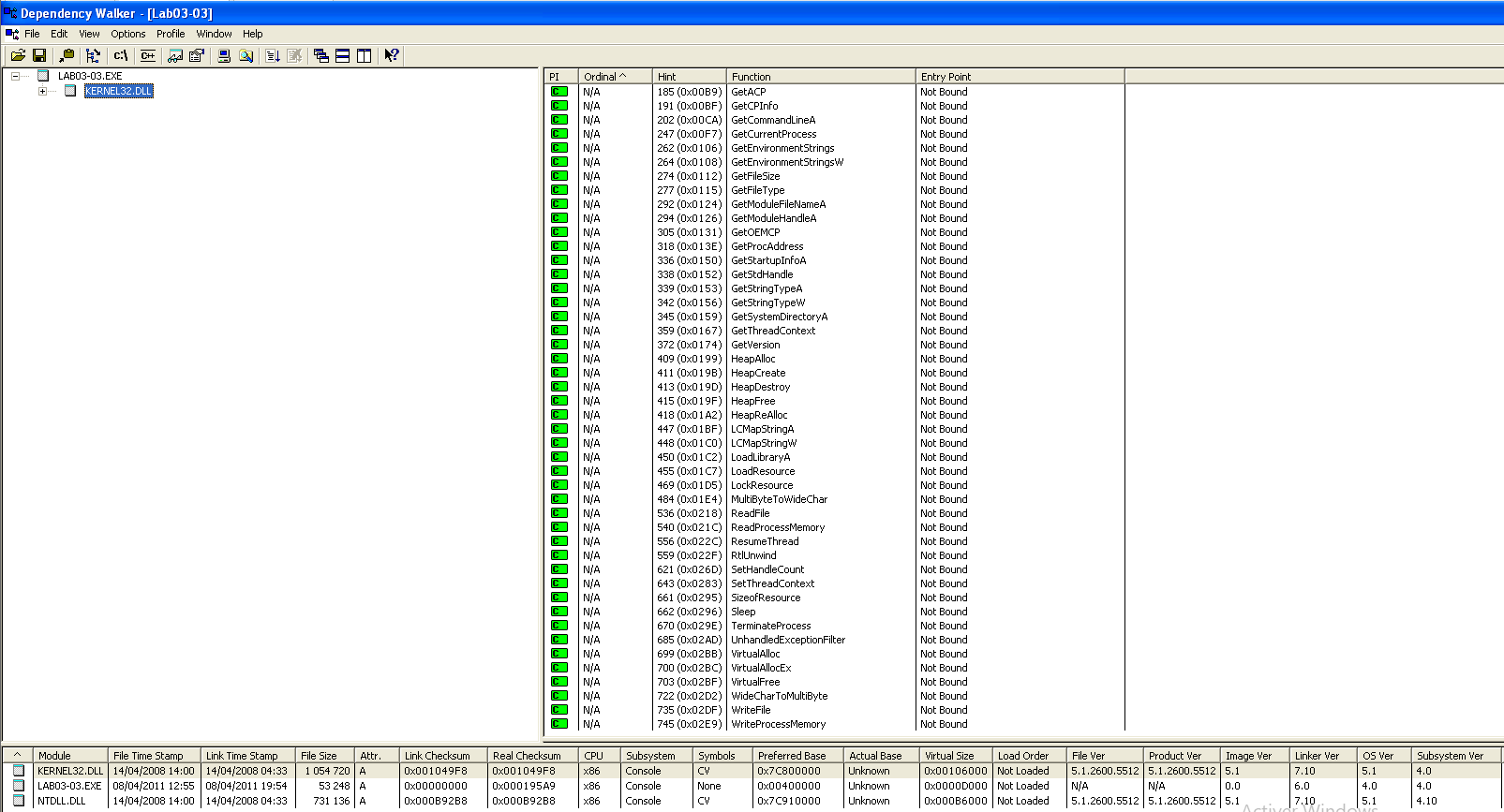
DependencyWalker Imports
Dynamic analysis
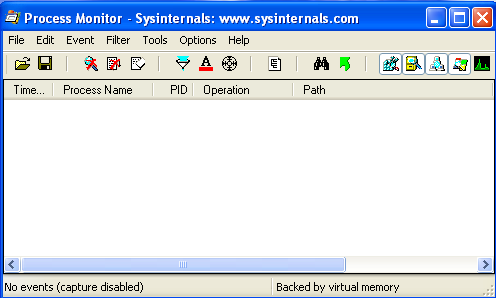
Procmon in capture
Regshot 1/2
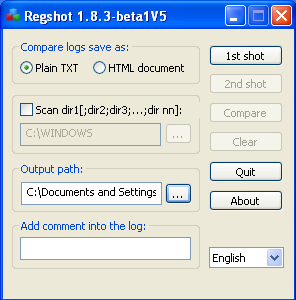
Before launching the binary, you need to do a first shot with RegShot to get a fingerprint of the Windows registry and see which ones have been modified.
Regshot 2/2
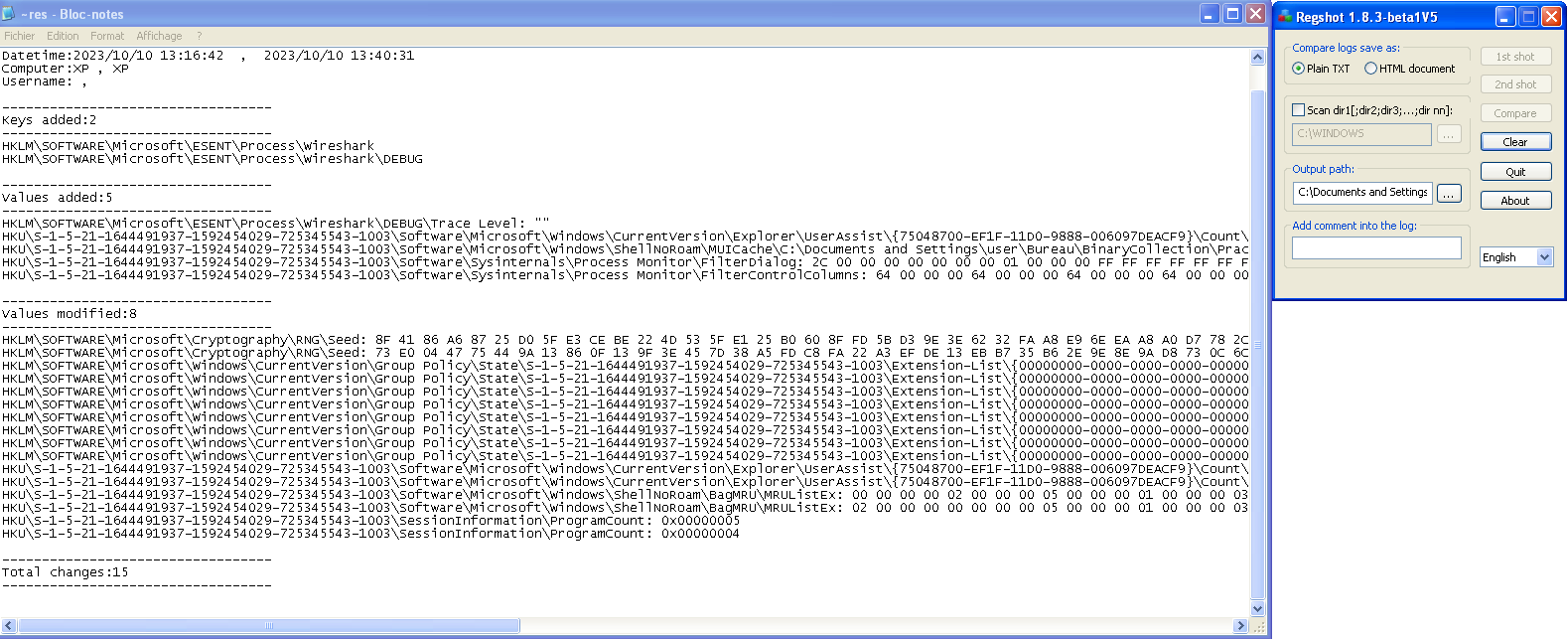
Here we have all registry that have been modified or added during the process execution.
Process explorer
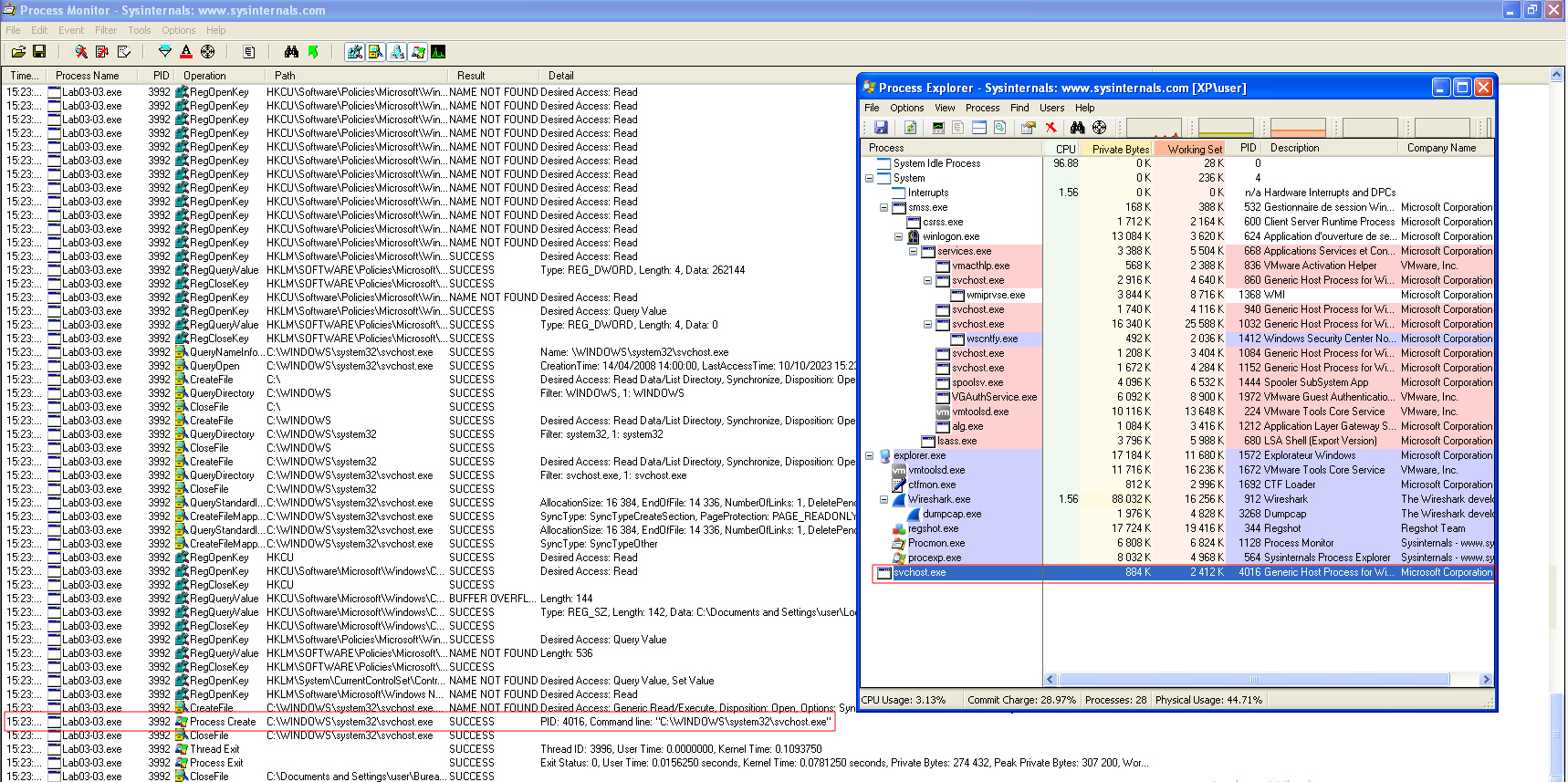
On the process explorer capture, we can see that after we started the malware, a new process called svchost.exe was also started.
Comparing strings
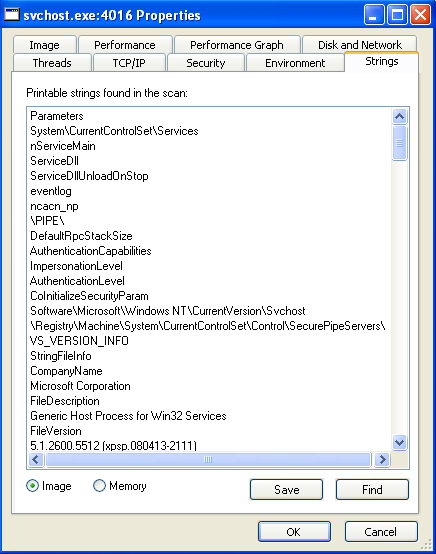
When comparing strings present in the binary and strings present in memory, we can see that they are not the same.
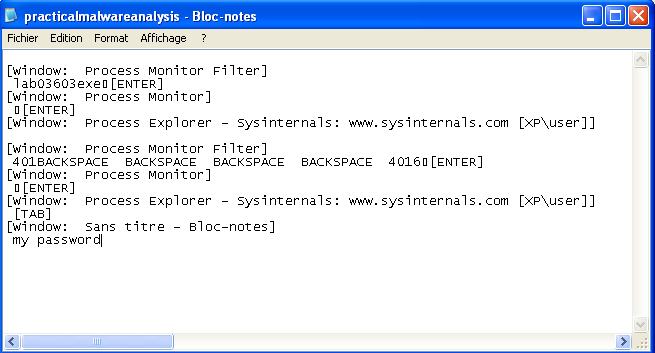
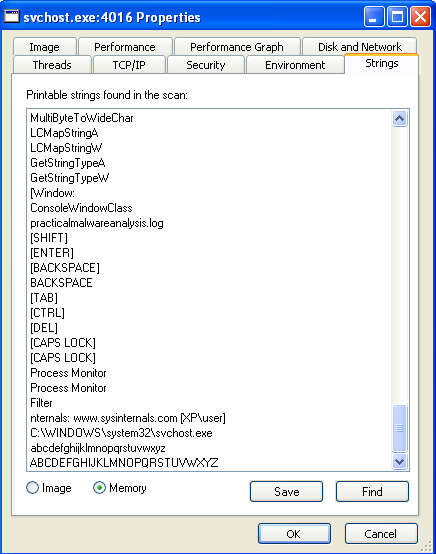
Strings in memory look like keyboard keys. There is also a log file name. Could it be a keylogger?
Execution
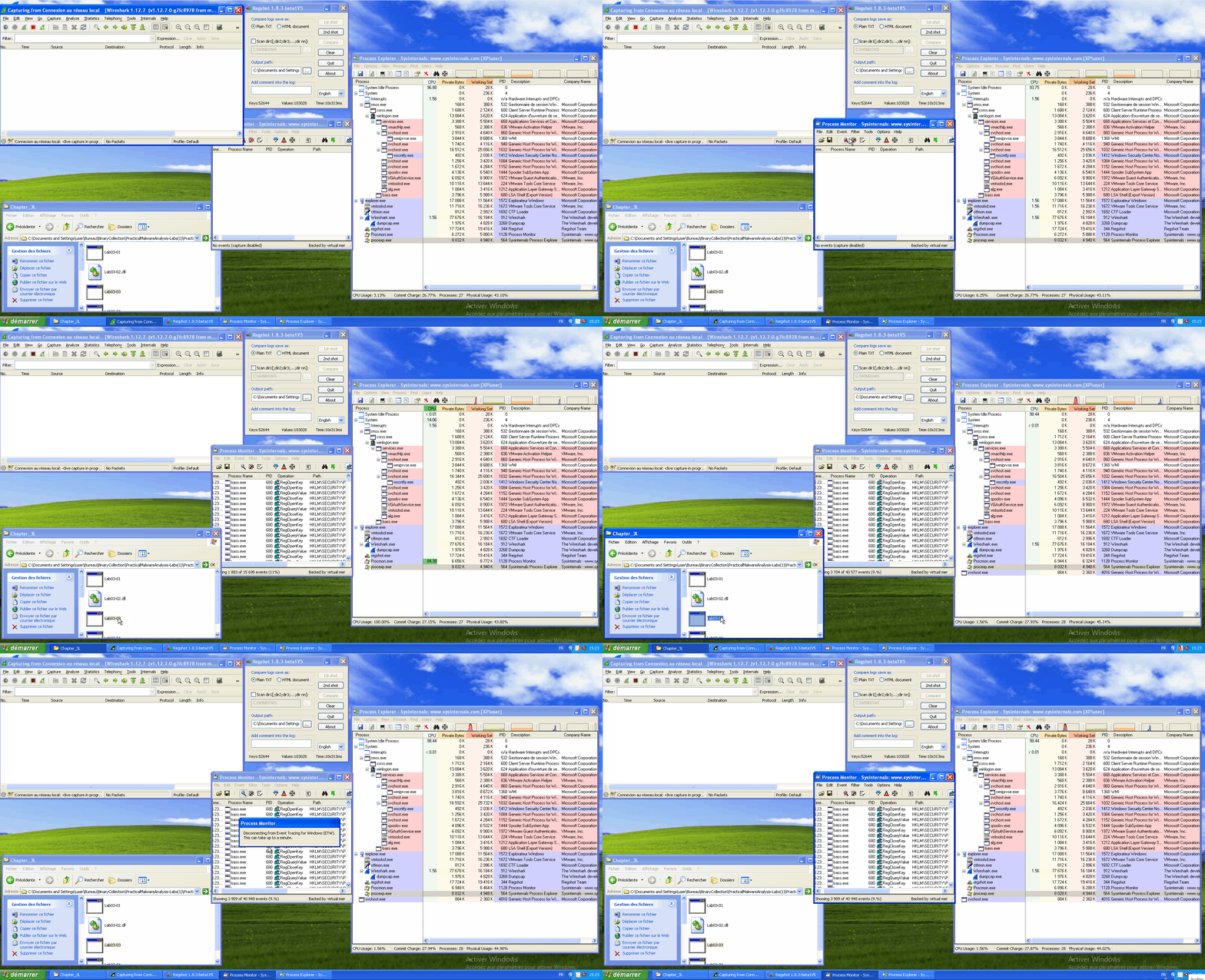
During the execution, we can see that the svchost.exe process is created and that nothing is going through the network (the wireshark window stays empty).
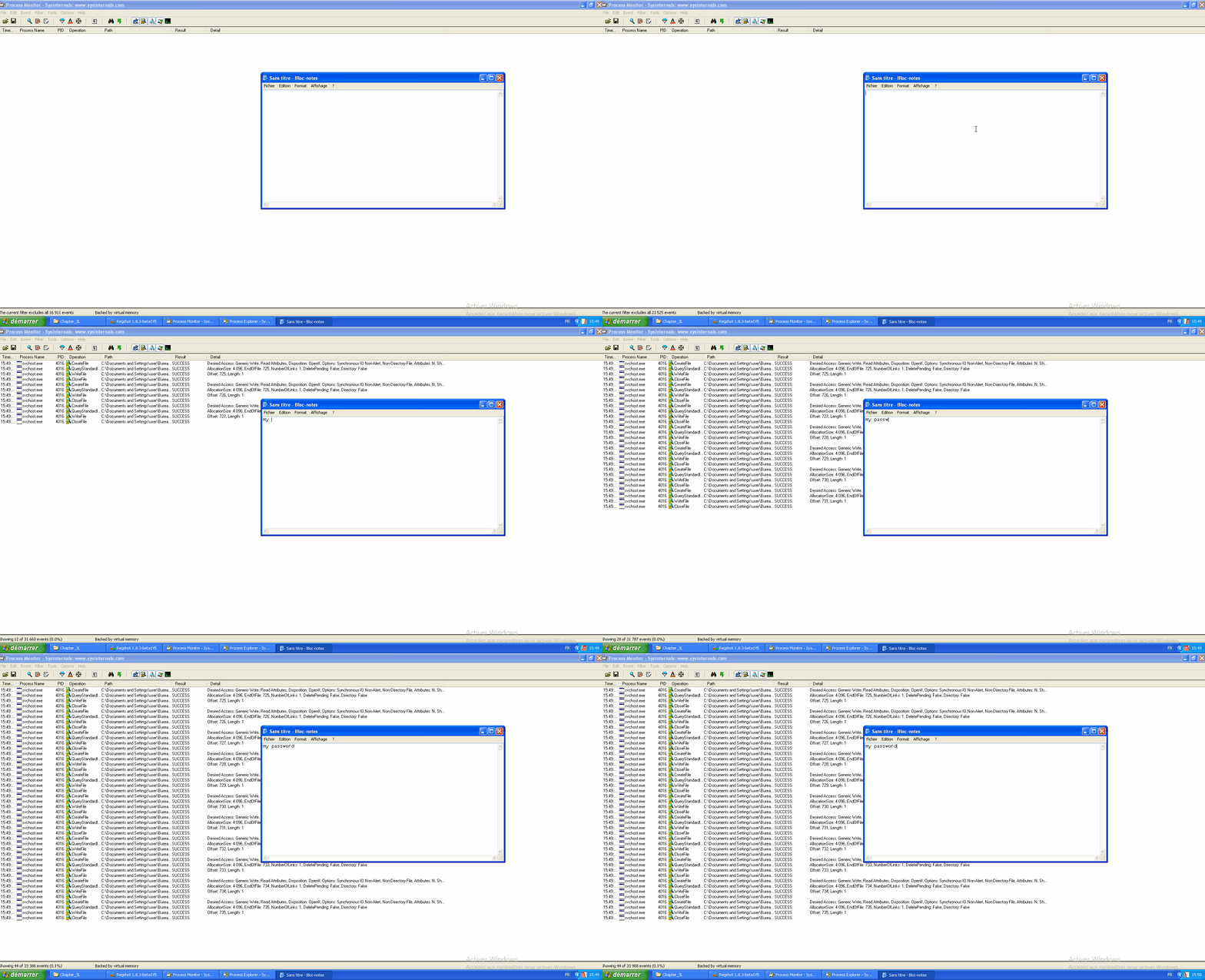
While our infected svchost.exe continues to run, let's relaunch procmon and filter on the infected PID. And let's write to a notepad. We can see some operations such as CreateFile, WriteFile, CloseFile...
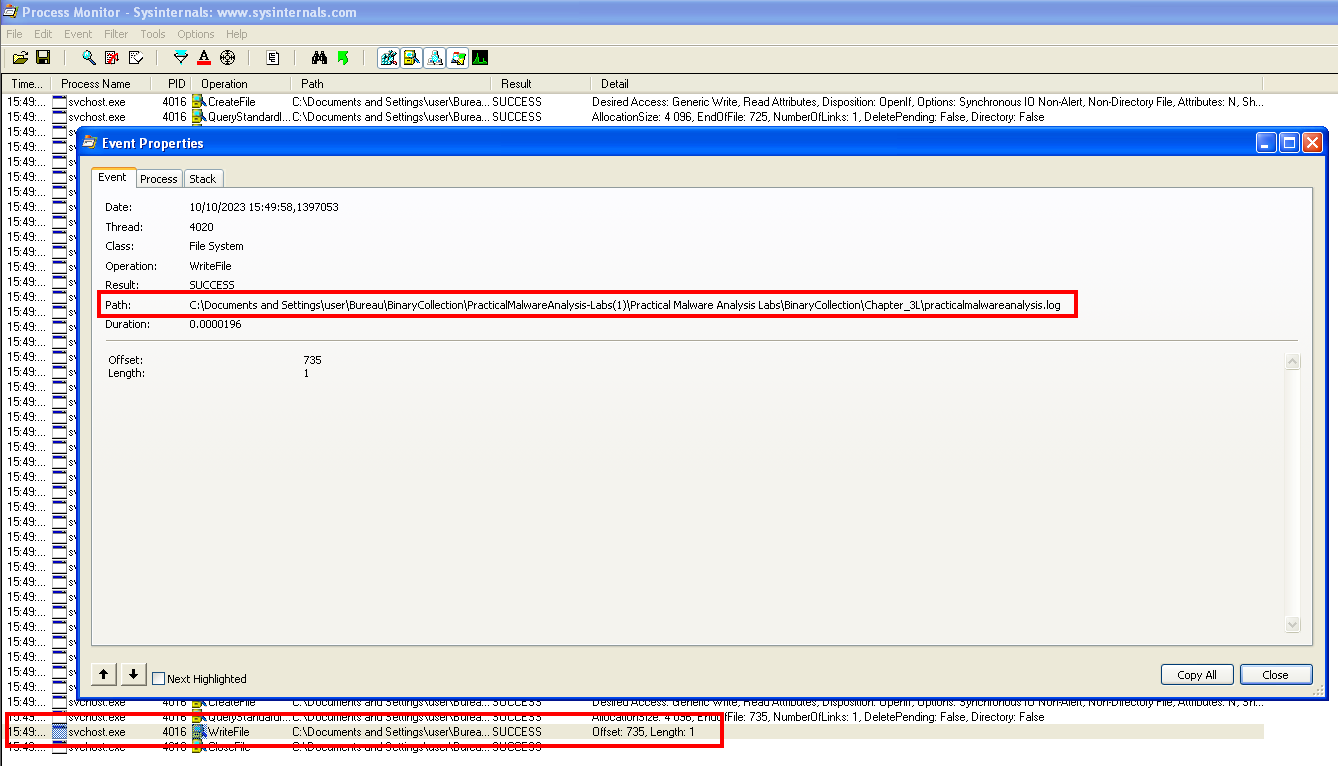
You can find the path where the registered keyboard keys are located.
Content of the created log file.